SPF, DKIM and DMARC explained: how to stop people spoofing your email
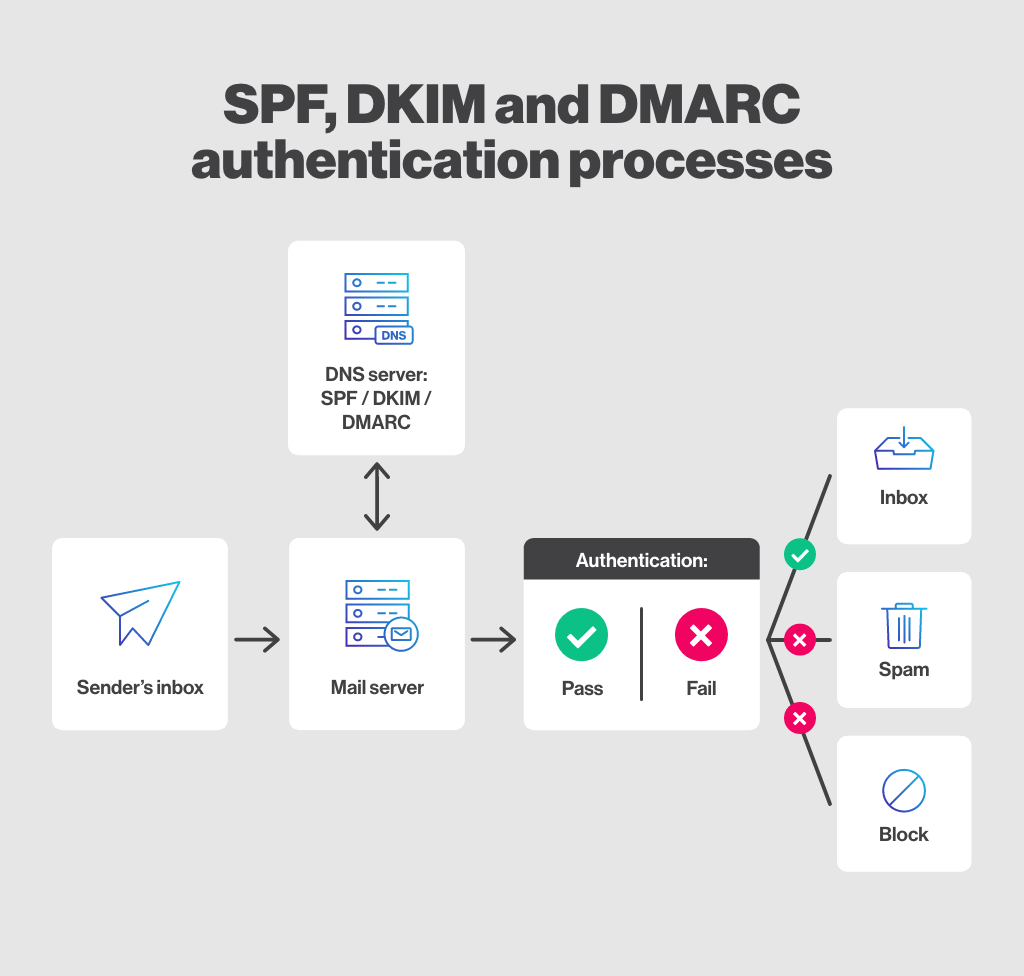
Anyone can send an email pretending to be you
Email doesn't verify who actually sent a message by default — it just trusts the "From" field. Without the right DNS records in place, someone can send an email that says it's from billing@yourcompany.co.uk and most inboxes will happily deliver it. This is the basis of the majority of targeted phishing against real businesses.
The three records that actually stop it
- SPF — a DNS record listing exactly which servers are allowed to send email for your domain. Anything else gets flagged.
- DKIM — cryptographically signs your outgoing emails, so receiving servers can verify the message wasn't altered in transit.
- DMARC — tells receiving mail servers what to actually do when a message fails SPF or DKIM (reject it, quarantine it, or just report it) — and gives you visibility into who's trying to spoof your domain.
Why "I have SPF" usually isn't enough
The most common gap isn't a missing record — it's a DMARC policy set to p=none, which only monitors and reports, but doesn't actually block anything. It's a good first step, but on its own it won't stop a single spoofed email from landing in your customer's inbox.